Image

The Rightcheck integration with People First streamlines pre-employment screening and employee checks by connecting candidate and employee records directly to Rightcheck’s background checking platform. Once the integration is enabled, HR teams can assign screening checks such as Right to Work, DBS, referencing, and other pre-employment checks directly from within People First. Candidate information is automatically passed to Rightcheck, removing the need to re-enter personal details across multiple systems.
For candidates, the process is designed to be simple and mobile-friendly. They receive an invitation to complete their checks through the Rightcheck app, where they can provide identity documents, complete verification steps, and submit any required information. Progress updates are then returned to People First, giving HR teams clear visibility of check statuses and outcomes.
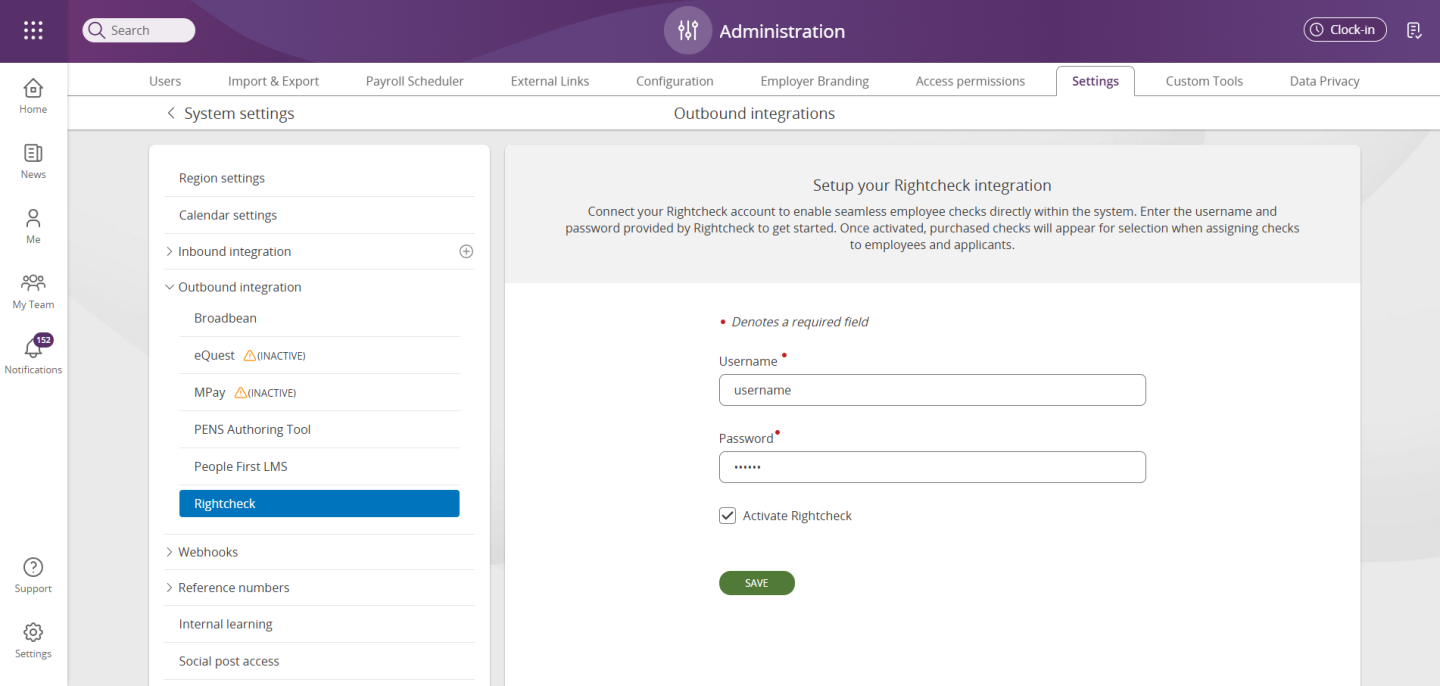
Log into People First. Navigate to Administration -> Settings -> Outbound integrations -> Rightcheck -> Enter your unique username and password provided by Rightcheck.