Image

Steps to add record to existing external personal learning custom card in People First:
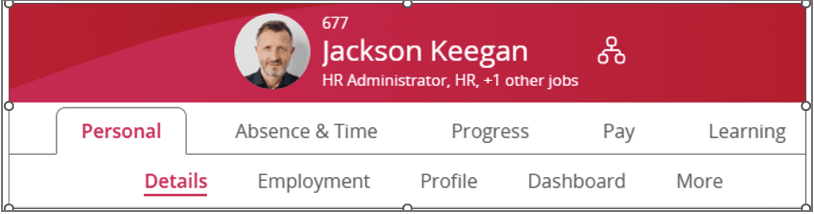
2. Go to the “More” secondary tab in the personal tab
3. Find the custom card that is created to hold the external learning completions
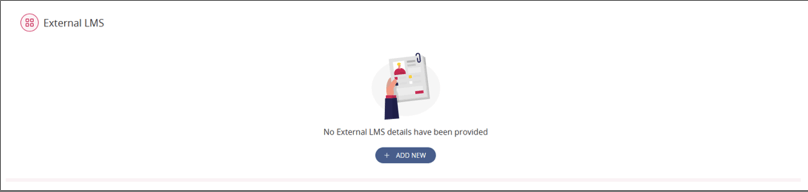
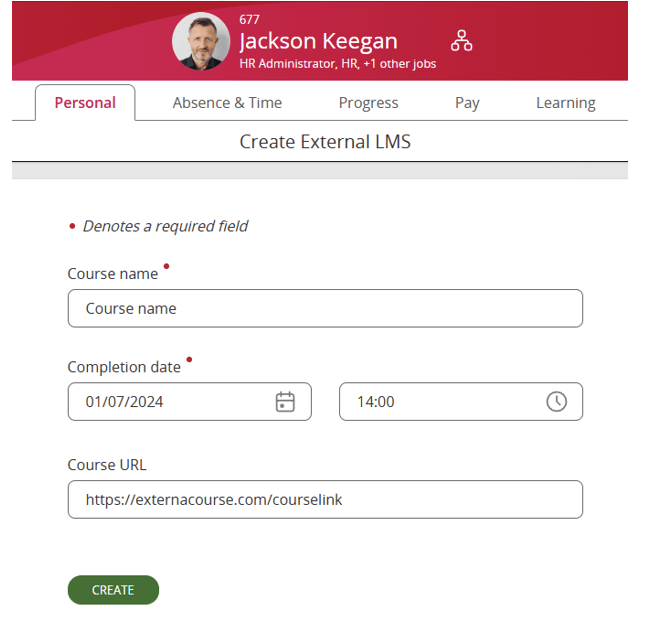
4. Click add new and populate the record data
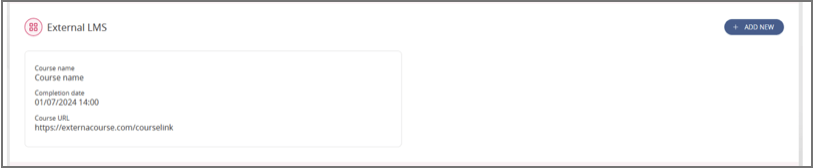
5. After navigating back we should be able to see the created record
To make the most of API calls, external systems will need to use an authentication token from a People First user with the correct role. Creating a user requires a System Administrator role.
We can create a new PAT token role specifically to use with these API calls which can be used by the external systems. This has the advantage that we can lock down access to other areas, and it is tenant environment specific, so access between external systems and individual tenant environments can be controlled. The lifetime of the token is also much longer so the code can assume that the token does not need to be renewed before making requests. API Documentation